Google Play testing release
Eight lights. Your rules.
Highlight Studio gives supported Pixel 11 Pro devices precise, privacy-conscious control over the HiLight LED array.
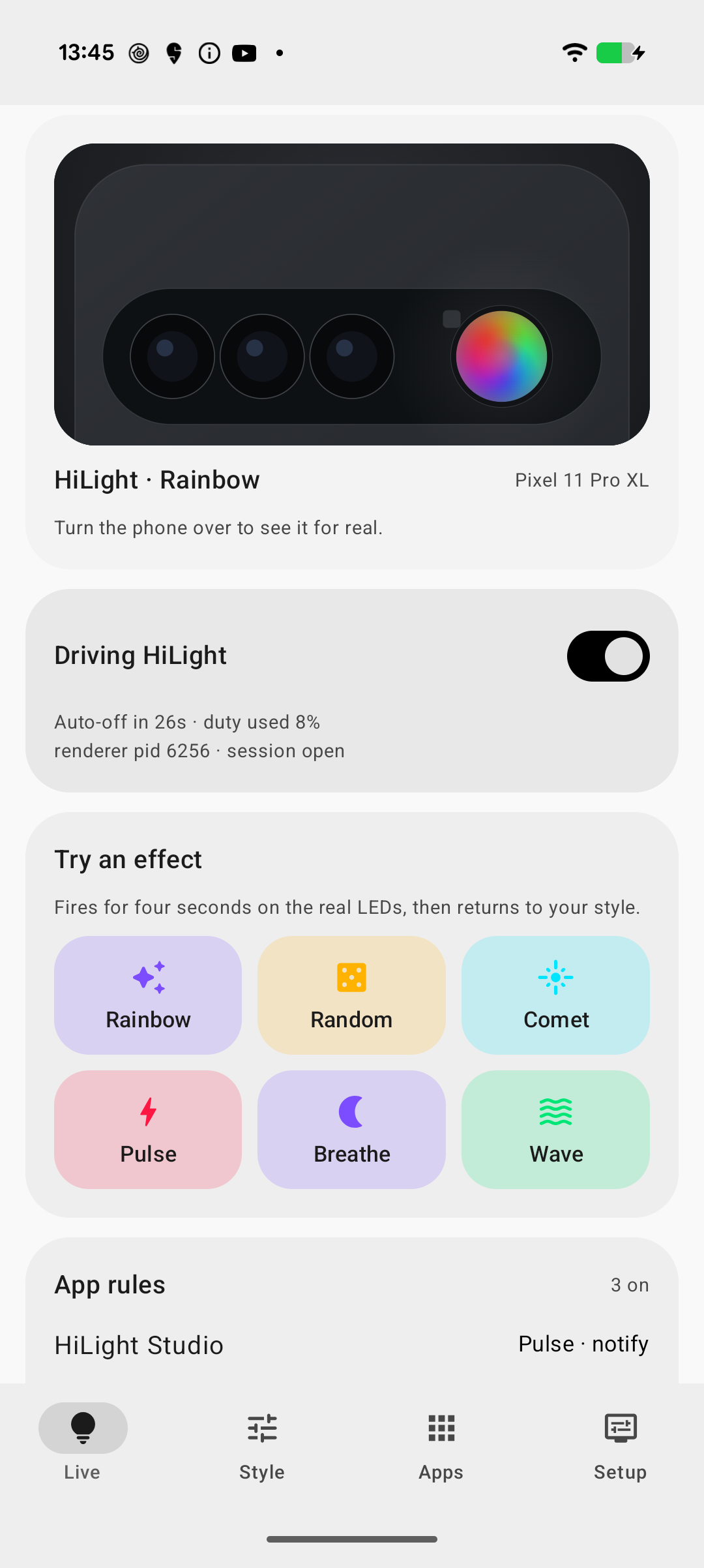
Designed for Pixel 11 Pro, Pixel 11 Pro XL, and Pixel 11 Pro Fold on Android 17. Highlight Studio is not affiliated with or endorsed by Google.
Control that stays local.
The Play build has no ads, analytics, account system, telemetry, crash reporting, or internet permission. Rules and settings remain on your phone.
- 01
Compose the array
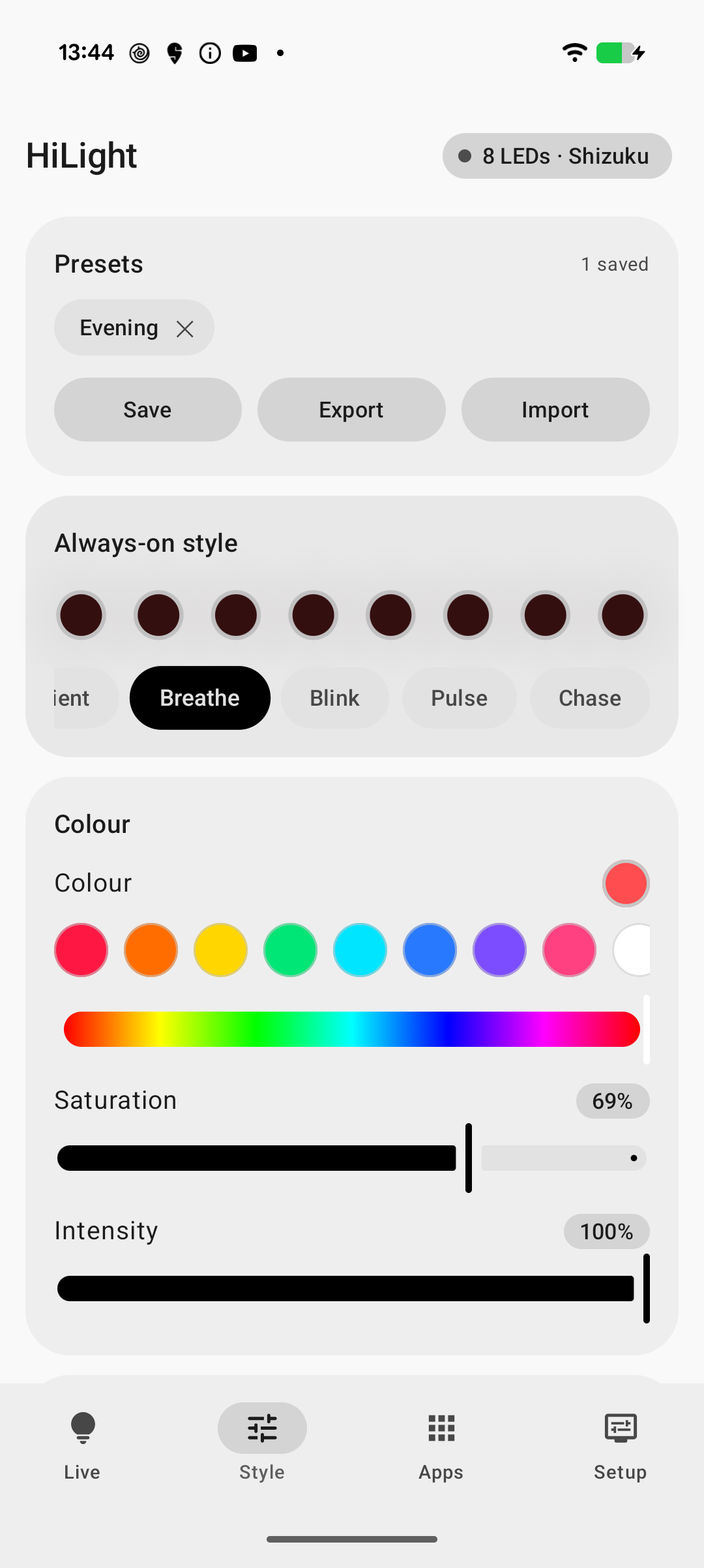
Create solid colours and animated patterns across all eight LEDs, then save the combinations you want to reuse.
- 02
Choose meaningful triggers
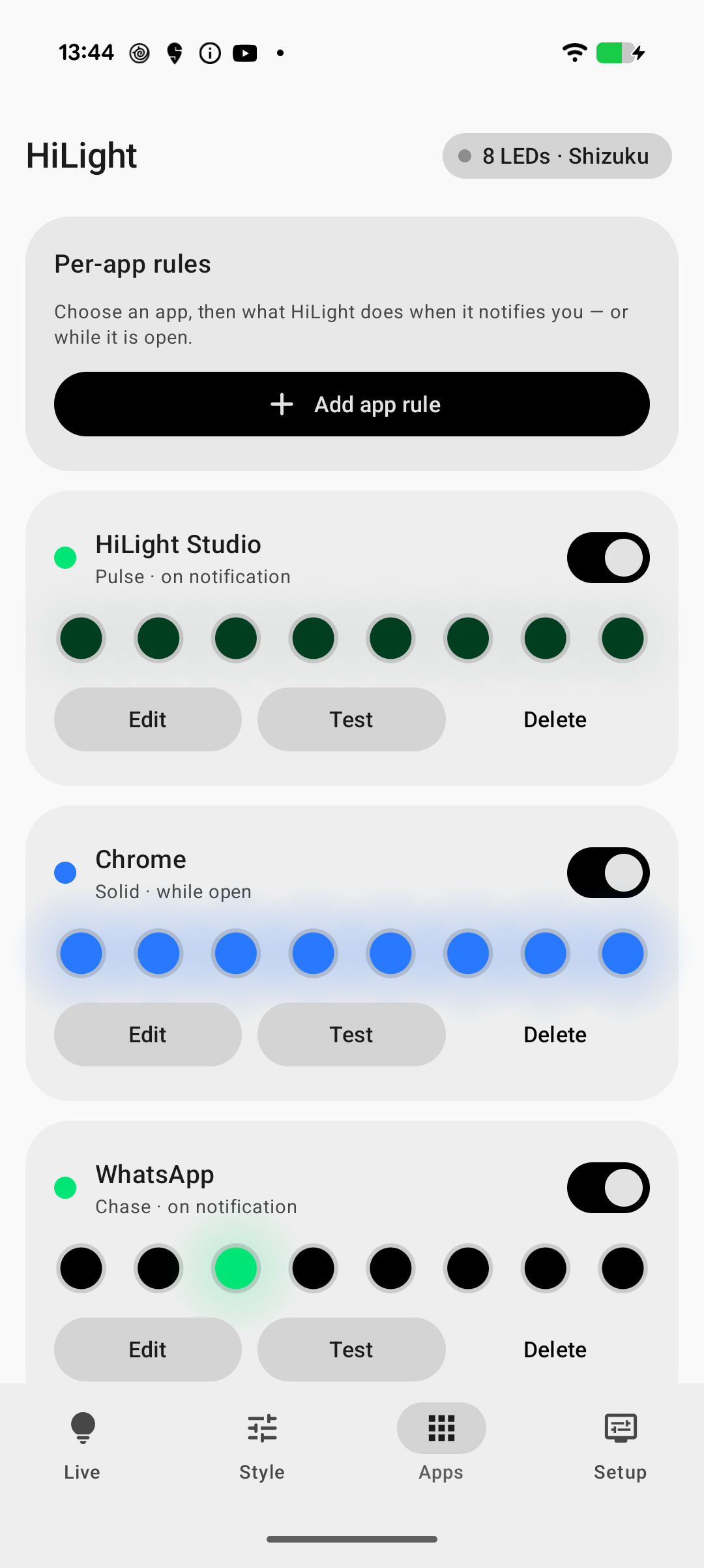
Respond to notifications, foreground apps, selected chats, microphone activity, or camera activity only when you enable those rules.
- 03
Respect your boundaries
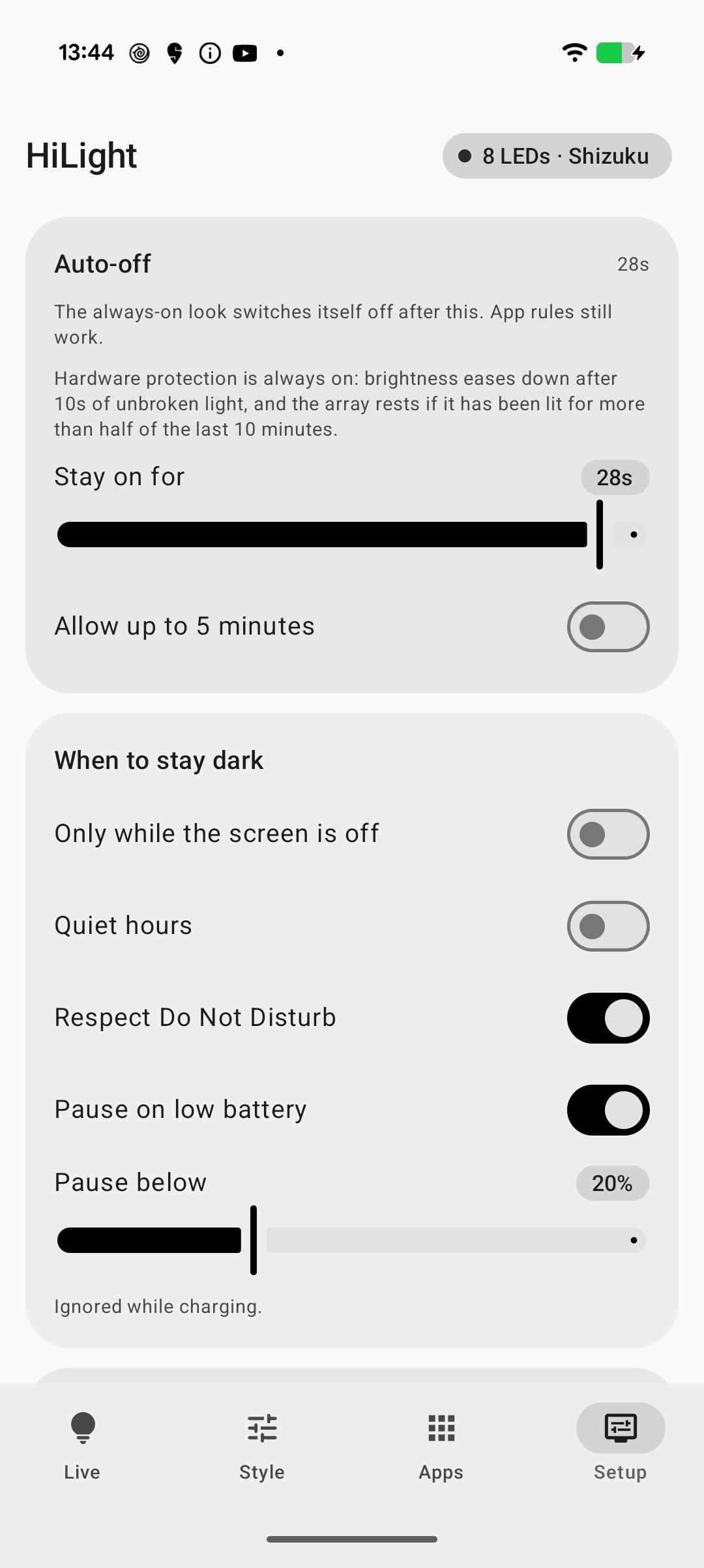
Quiet hours, Do Not Disturb, Battery Saver, low-battery controls, face-down conditions, and enforced runtime limits reduce unwanted output.
- 04
Bring your own access
Use Shizuku, an ADB-started helper, or an existing root manager. Highlight Studio does not root your phone or install privileged tools.
Purpose-built screens.
Live status, visual styling, app rules, and setup are separated so you can see what is active and change only what you intend.
Test with context.
Join the shared Google Group, follow the Play opt-in path, and review setup and safety notes before enabling the renderer.